Overview
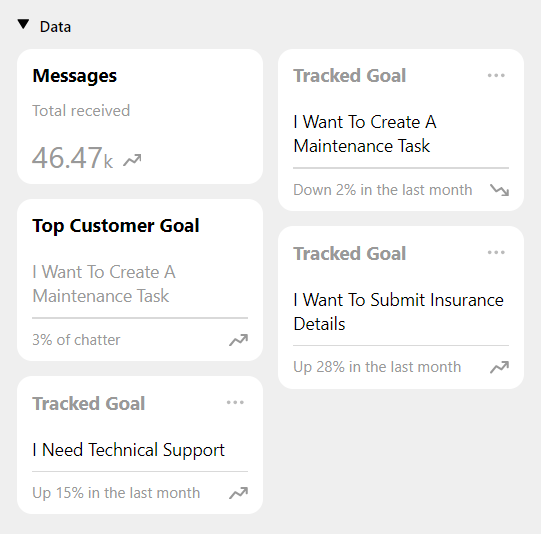
At the bottom of the Insights section (accessible via the top right menu), you will see any goals which you have “pinned” from elsewhere. If there is a trend you are interested in keeping an eye on, you can use the “pin” capability to make it show up here. At a glance, you can see the title of the goal and its recent trend over the time period you have selected in the date filter (calendar icon top right, or the dropdown at the top of the screen which defaults to The Last Week). Clicking on a tile will take you to a page where you can view how the goal has trended over time. Check out this article to learn more about this page.